The Magic of App Blocks in Your Shopify Store Admin
Learn how Shopify Admin App Blocks let you add functionality directly to admin pages, and how Admin Shortcuts makes it easy.
Shopify admin is like the control center for your store. At your fingertips you have everything you need to manage your customers' whole experience, as well as your products and your orders.
But most merchants use a whole suite of other tools and services to manage their ecommerce businesses. And while many of those services are well integrated with Shopify, they are virtually invisible in Shopify admin. At best, you might be able to find a common task hidden in the "More Actions" menu.
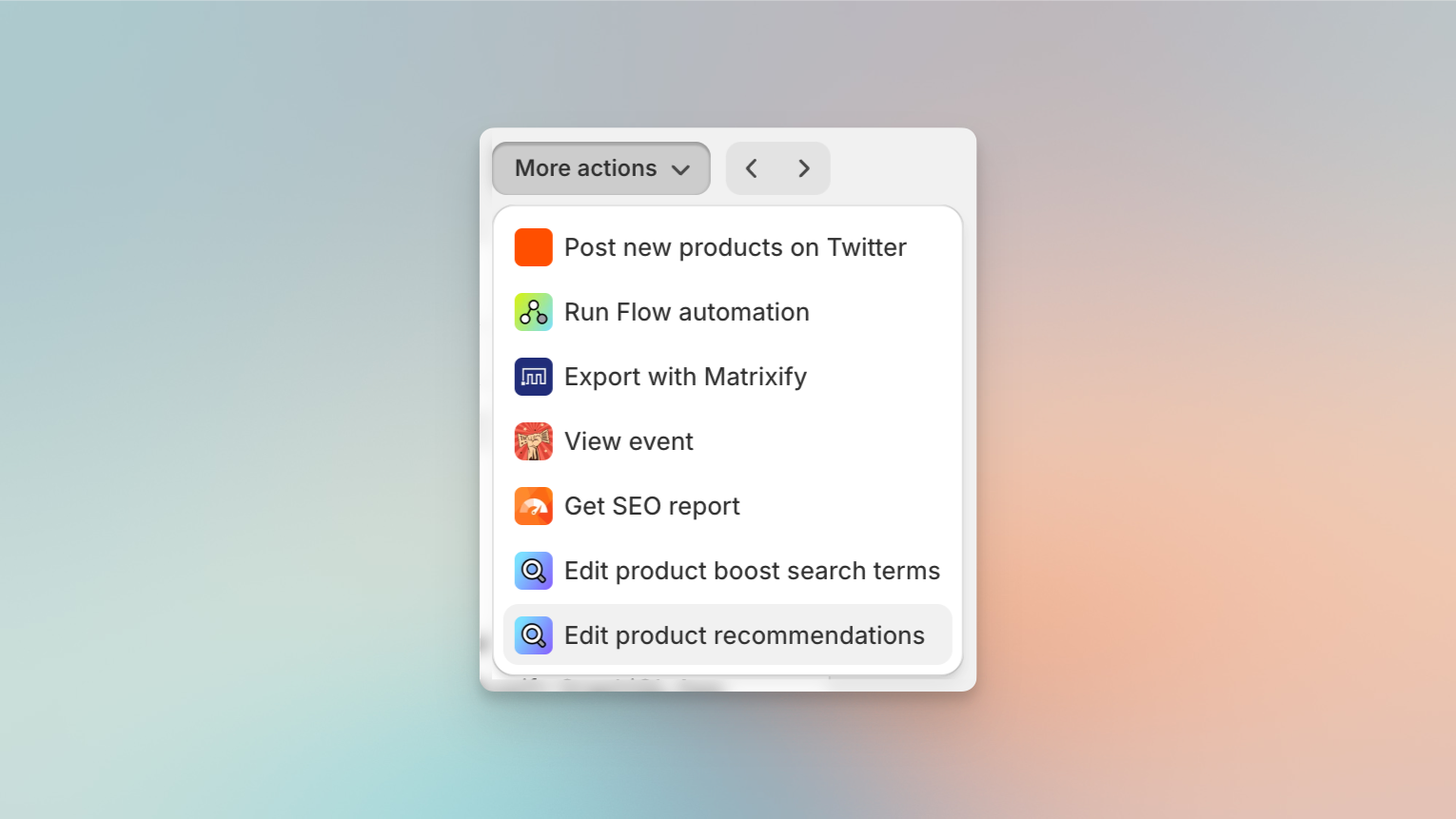
A few actions from your favorite tools or apps
_might be hiding in the "More Actions" menu._
But that changed in Spring 2024 with the release of Admin App Blocks, new widgets that can transform your Shopify admin into a powerhouse of efficiency and customization.
What are Shopify App Blocks?
Imagine having the ability to summon exactly the functionality you need, right where you need it. That's the magic of App Blocks. These modular extensions integrate directly into Shopify’s admin pages, added by third-party apps or by your Shopify developer to bring a more integrated experience without leaving your admin control center.
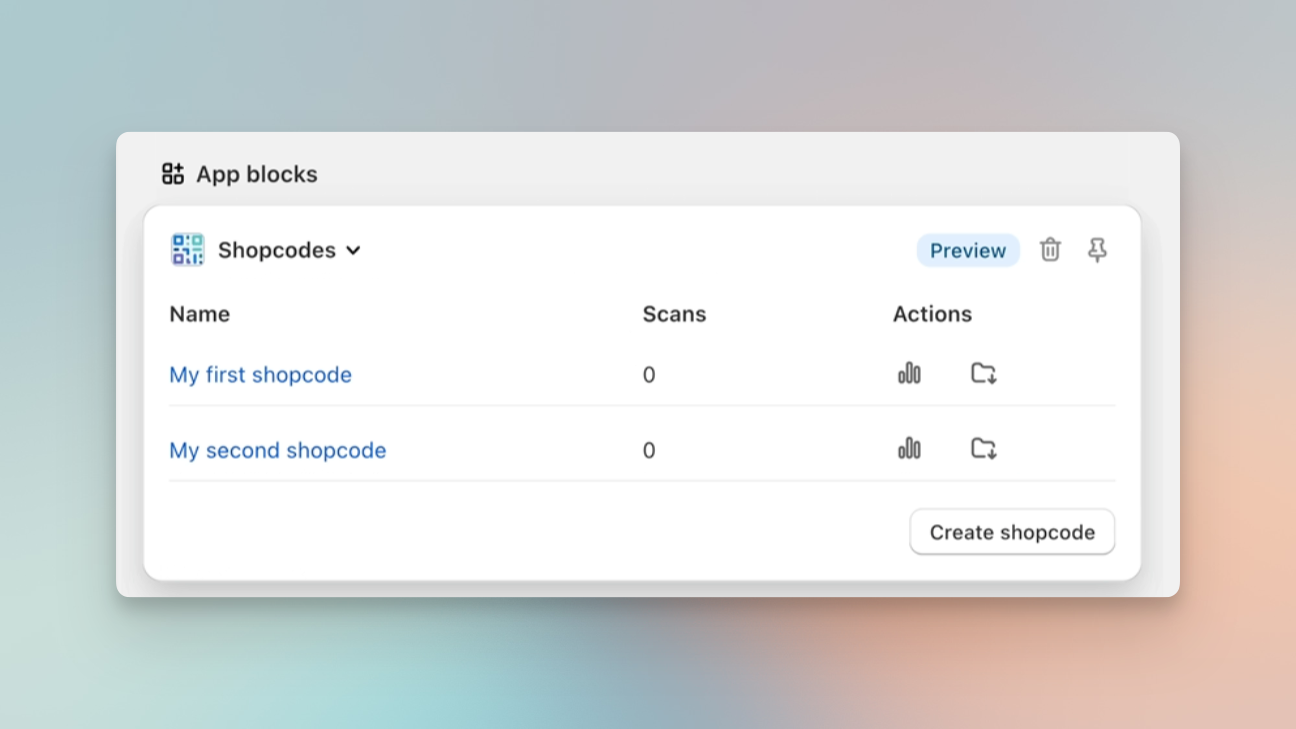
Apps can now bring information and functionality right into
_Shopify Admin Pages via "App Blocks"_
Existing actions triggered from the "More Actions" menu can now be added directly to admin pages.
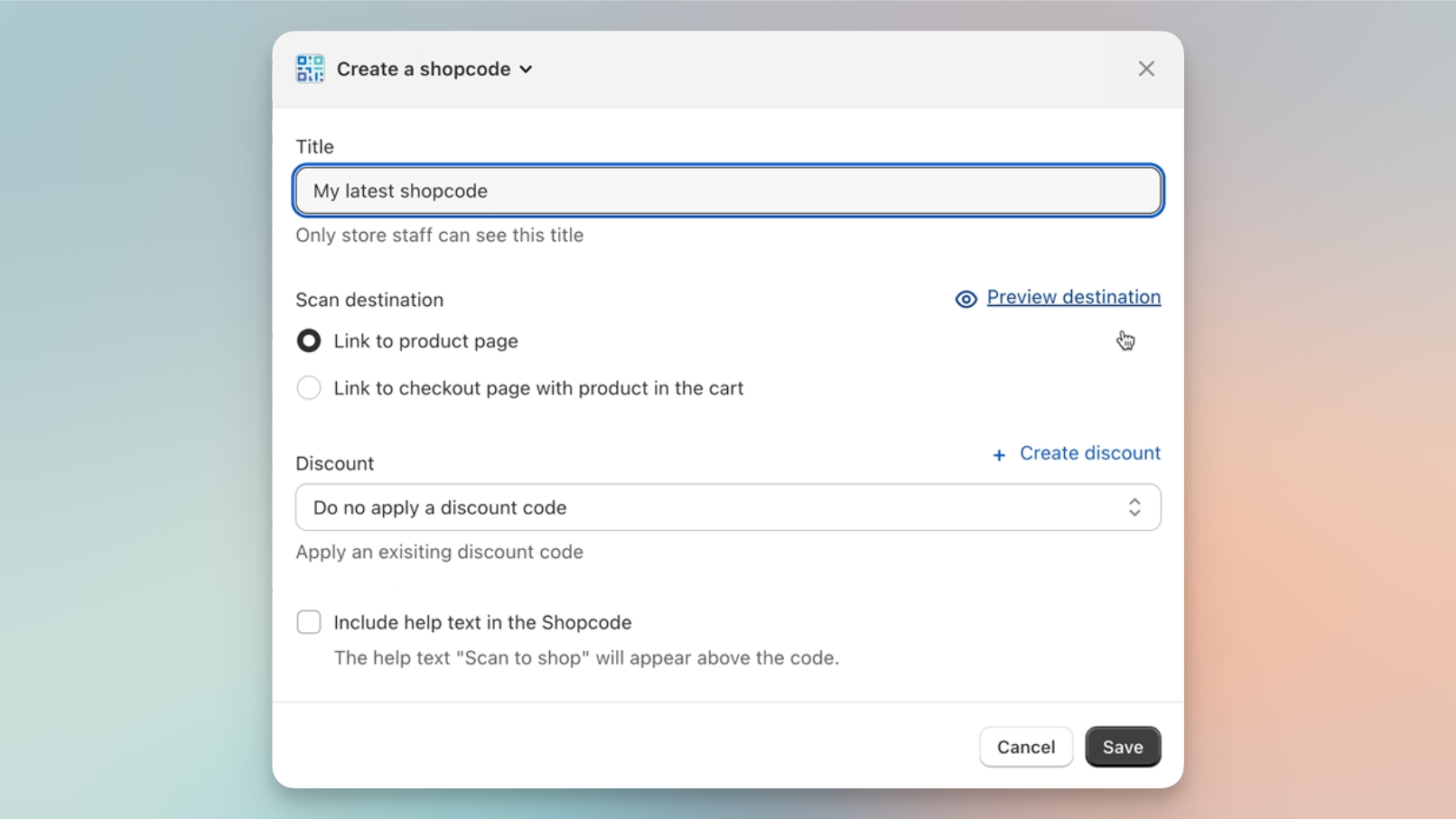
Tasks you used complete in an app or on another platform
_can now be pulled right into admin pages_
To see whether any of the apps you currently use provide app blocks, find the App Block section on any admin page in Shopify. Check on your Orders, Customers and Product detail pages first. Click "+ App block" to see available app blocks for your currently installed apps. If you don't see this section, it means none of your apps provide app blocks yet.
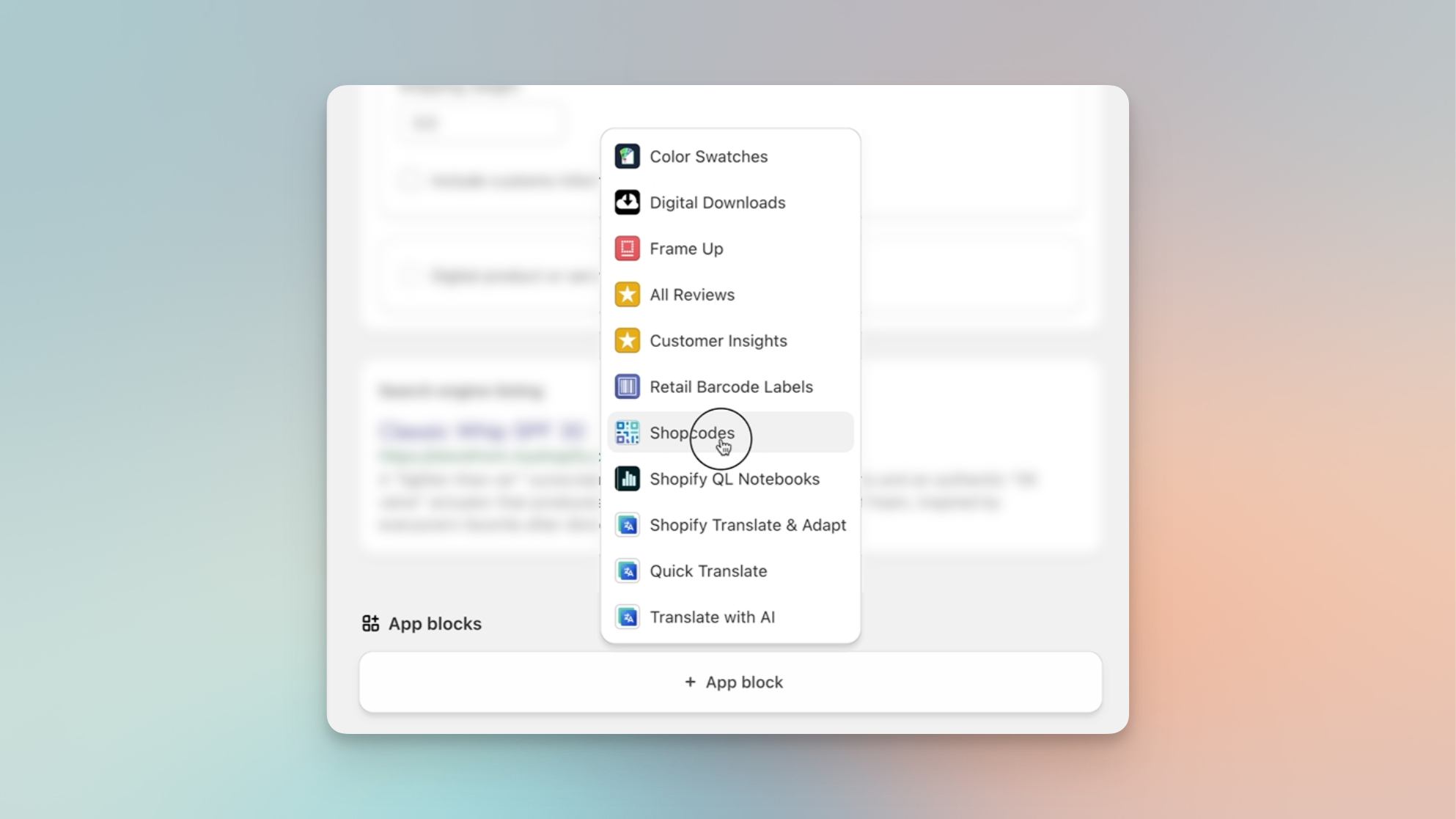
If any of your currently installed apps support App Blocks,
_you'll see the "App blocks" section on your admin detail pages._
Hopefully app developers will jump at this new capability to save merchants time and effort, allowing them to complete tasks in Shopify directly without jumping to an app page or into another platform.
Until then, your Shopify developer can also build custom app blocks to integrate into your store. Shopify has provided a full tutorial on how to build app blocks. But be aware there is significant overhead, basically requiring a whole app to be built to host the app blocks.
Customizing your Shopify Admin with Admin Shortcuts
Fortunately, there is another simpler way to start leveraging the magic of app blocks: the free Admin Shortcuts app. You don't need a developer. And you don't need to wait until your favorite platform gets around to adding them.
Admin Shortcuts lets you configure buttons to perform actions with Shopify data in your other platforms and add them via an app block to your order, customer or product detail pages.
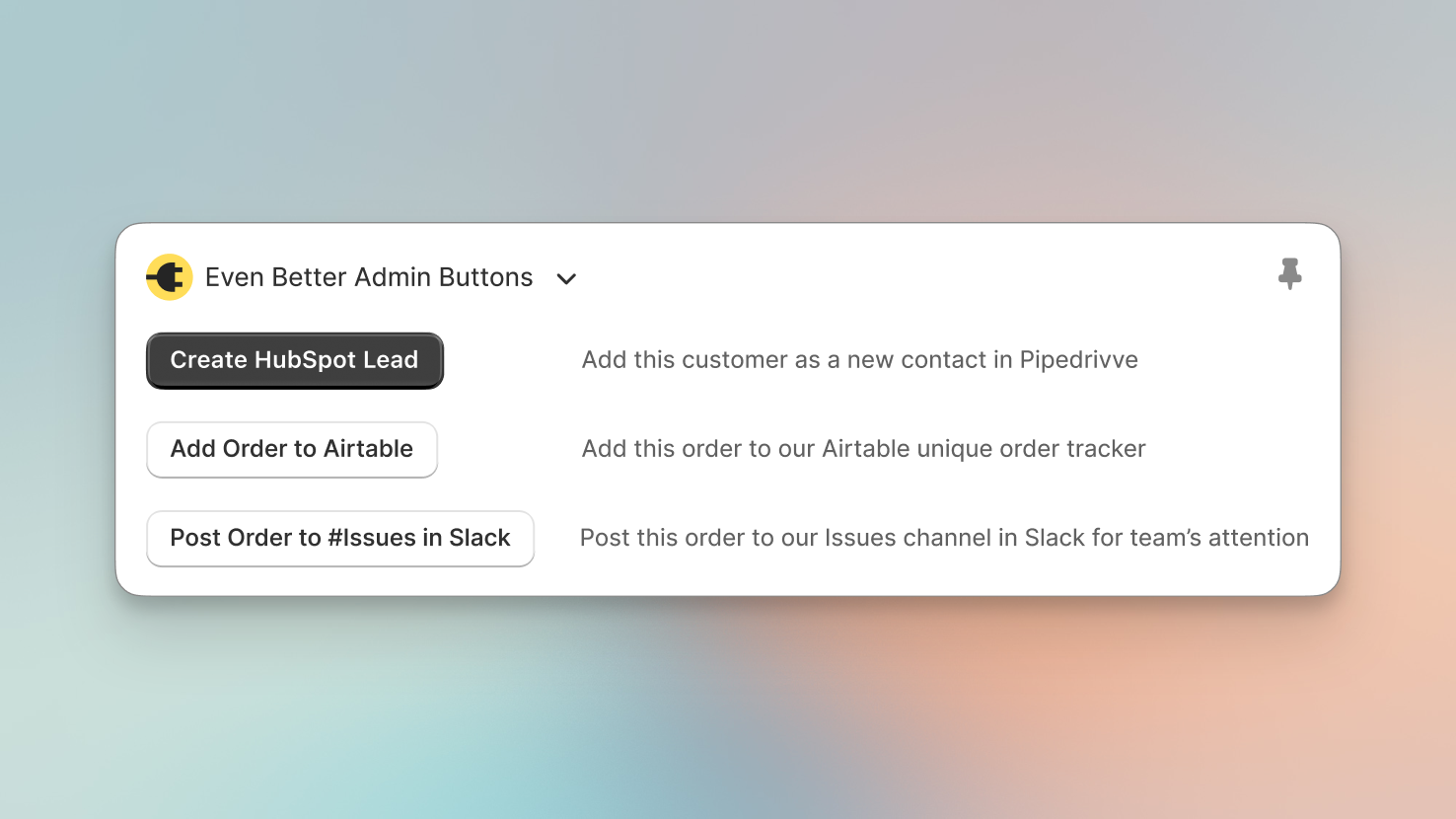
Examples of actions you could add to your Order Detail pages with
the Admin Shortcuts app
Any other platform that can be automated with Zapier—or another automation service like Relay.app or Make—can be automated with an Admin Button.
Set up your webhook-powered admin buttons with a free install of Admin Shortcuts from the Shopify App Store. Or learn more in our Getting Started guide.